


01
Copy the Pin link
Tap Share on a Pinterest video, image or GIF, then Copy link.
Download Pinterest videos, images and GIFs for free in your browser. No ads, no installs, no sign-up.
Three small steps. A world of inspiration.
Tap Share on a Pinterest video, image or GIF, then Copy link.
Paste the link above. We’ll find the available video, image and GIF files.
Choose a file and save it to your phone or computer.
Save videos without sharing your Pinterest password or installing extra software.
We never ask for your Pinterest password or access to your account.
Use the downloader in your browser. No apps, extensions, or installers.
Files stream through our server to your device without permanent storage.
Everything you need before you hit download.
Copy the Pinterest Pin link, paste it above and select Find downloads. Choose an available file to save.
Yes. Downloads are free, with no ads or subscription. Use it online without installing an app or creating an account.
Yes, in your mobile browser. Check Files on iPhone or your browser’s Downloads folder on Android.
Available MP4 videos, JPG/JPEG, PNG and WebP images, and original GIF files. We prefer original images and do not upscale or convert videos to GIF.
Private, deleted or unavailable Pins and files hosted outside Pinterest are unsupported. HLS-only videos may still have a downloadable cover image.
Only save content you own or have permission to download. Downloading does not grant copyright or permission to repost.
The production workflow behind an 84-second vertical video: script editing, local VoxCPM2 narration, acoustic subtitle alignment, a black-and-yellow layout, FFmpeg rendering, and 1.2x playback.
Read the story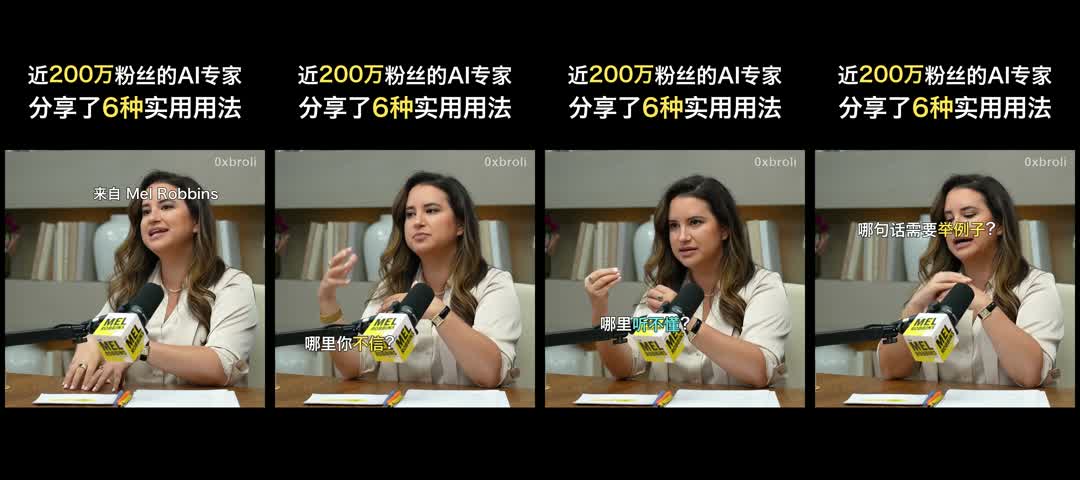
复盘一条 104 秒竖屏口播视频的制作流程:文稿整理、本地 VoxCPM2 配音、访谈片段下载、1.2 倍语速、短句字幕、重点配色与 FFmpeg 合成,以及配音节奏和版本管理中的实际问题。
Read the story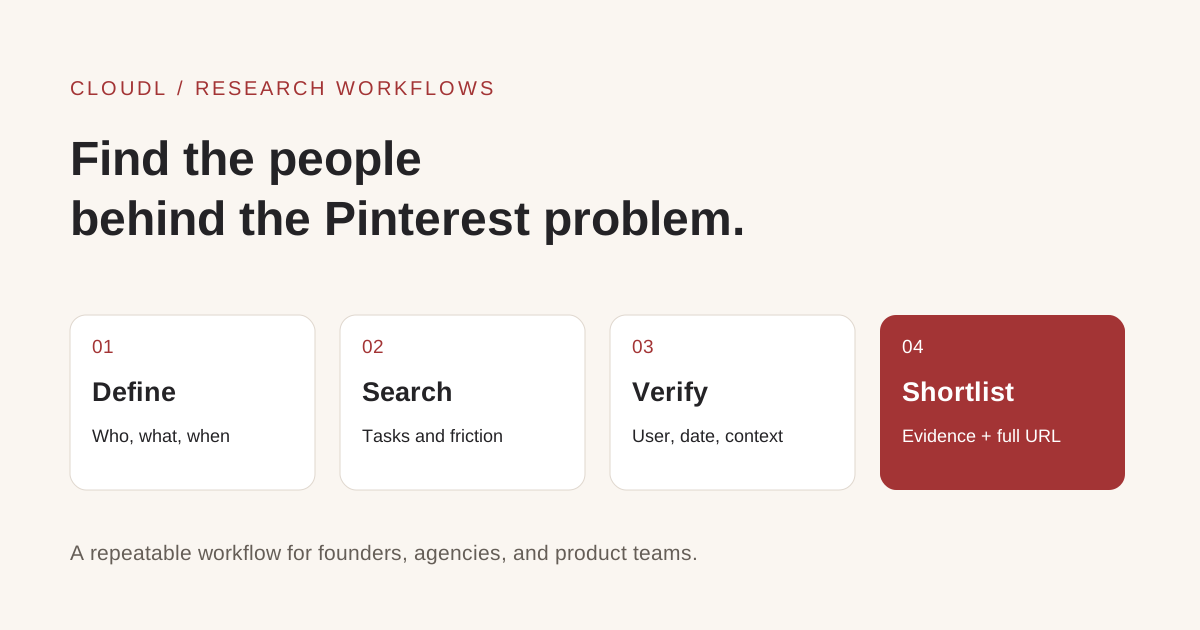
Find Pinterest marketing automation leads on Reddit with a repeatable research workflow, real examples, full source links, and reusable prompts for Codex.
Read the storyDownload only content you own or have permission to save. Respect creators and their rights.